
A growth lead at a DTC brand opens GA4 on Monday morning and finds a large share of weekend traffic labeled Unassigned. The channel report is now unreliable. She cannot tell whether the weekend's revenue came from paid social, email, or organic search. The data exists somewhere. It just never got classified.
This is the practical problem with GA4 unassigned traffic: it does not mean sessions vanished. It means GA4 received events it could not sort into a channel, so it filed them under a label that tells you nothing useful.
What Unassigned Traffic Actually Is
GA4 organizes sessions into Default Channel Groups: Organic Search, Paid Social, Email, Direct, and so on. When a session arrives and none of those channel rules match the available source data, GA4 has to put it somewhere. That somewhere is Unassigned. Wearetg
Google's own definition is direct: Unassigned is "the value Analytics uses when there are no other channel rules that match the event data." Scandiweb It is not a traffic source. It is an admission that the classification failed.
This matters because channel attribution is how you justify spend. If Unassigned is a small share of sessions, that is background noise. If it grows into a large share of sessions, your conversion reports are telling you an incomplete story, and any budget decision built on them carries that error forward.
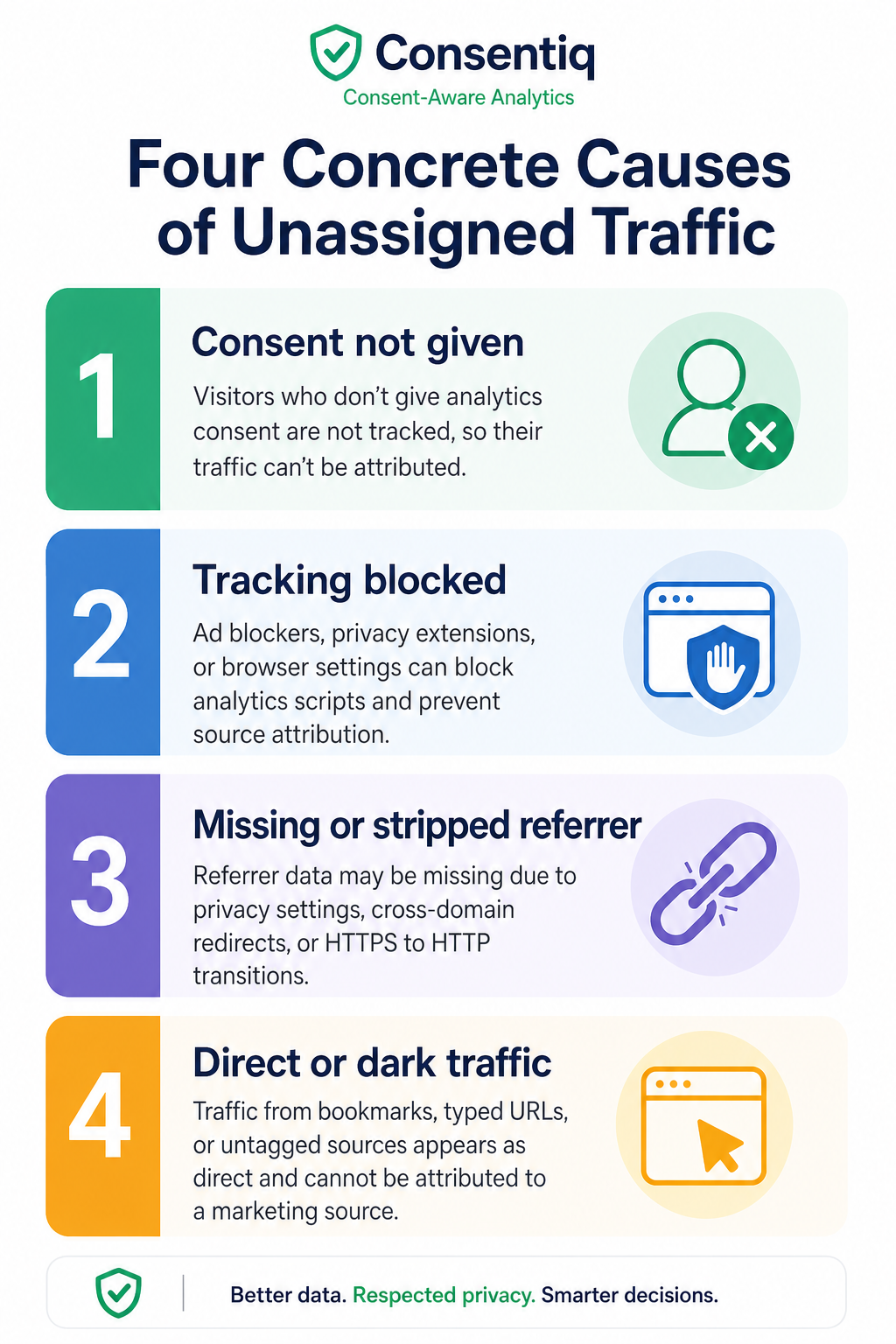
Four Concrete Causes of Unassigned Traffic
UTM parameters are missing or malformed
This is the most common cause. A link goes out without UTM tags, or the tags are inconsistent: utm_medium=Email in one campaign and utm_medium=email in another. GA4's channel rules are case-sensitive in certain contexts, and a medium value it does not recognize lands the session in Unassigned. Usercentrics
Say your email platform auto-generates links but someone on the team manually built a one-off campaign link without tagging it. Every click from that email arrives without source data, and GA4 cannot classify it.
Consent mode blocking session context
When a visitor declines cookies and your consent mode configuration is incomplete, GA4 may receive a modeled or cookieless event with no session-level source data attached. The event gets recorded, but without the context needed to assign it to a channel.
This is increasingly common as consent banners have become standard across US states and Canadian provinces. A site that has consent mode enabled but configured incorrectly can produce Unassigned traffic that spikes in regions with higher opt-out rates.
Server-side events without session data
Server-side tracking sends events directly from your server to GA4, bypassing the browser. That is useful for accuracy. It is also where Unassigned traffic is easy to generate by accident.
If a server-side purchase event fires without the client session ID and campaign source attached, GA4 has no way to connect that conversion to the original marketing touchpoint. It categorizes the event as Unassigned. Analyticsmania A subscription renewal that processes automatically is a clear example: no active session, no UTM context, nowhere for GA4 to put it except Unassigned.
Redirect chains stripping UTM parameters
A link tagged with UTMs passes through one or more redirects before reaching the landing page. Some redirect configurations strip query parameters in transit. By the time the session registers in GA4, the UTM data is gone.
This happens often with link shorteners, affiliate redirect systems, or older CMS redirect rules that were set up before UTM preservation was a concern.
How to Diagnose Which Cause Is Yours
Work through this in order. Each step narrows the field.
Check your UTM tagging. In GA4, go to Reports > Acquisition > Traffic Acquisition. Filter for Unassigned and look at the Session Source / Medium breakdown. If you see (not set) or unusual medium values, the problem is upstream in how links are being built. Pull a sample of URLs from your email platform and paid campaigns and verify the parameters are present and correctly spelled.
Review your consent settings. Look at whether Unassigned traffic correlates with specific regions or browsers. A spike in Unassigned from a state like California or from Firefox users (which blocks certain cookies by default) points toward a consent or cookieless session issue. Check whether your consent mode implementation is passing the correct signals to GA4. Consent-aware analytics approaches handle this by preserving attribution signals without relying on blocked cookies.
Audit your server-side implementation. If you use server-side tagging, verify that every event payload includes the client ID and session ID from the original browser session. Check your tag configuration for purchase, subscription, and other offline events. Server-side tracking implementation requires explicit session context to be passed; it does not inherit it automatically.
Test your redirect chains. Take a tagged URL and run it through your full redirect path. Tools like Redirect Checker or a browser's network inspector will show you whether query parameters survive each hop. If they disappear at a redirect, you have found the cause.
How to Reduce Unassigned to Expected Levels
Once you know the cause, the fix is specific.
UTM gaps: Enforce a tagging policy across every team that builds links. Use a shared UTM builder with locked field values for medium and source. Audit your email platform's default link settings and make sure auto-tagging is on for Google Ads. A naming convention document that lives somewhere everyone can find it prevents most of this.
Consent mode: Configure consent mode to pass denied signals rather than sending nothing. GA4 can model behavior from denied sessions when it receives the signal correctly. Without that signal, the session disappears into Unassigned. If your current setup does not support this, a DTC analytics solution built around consent compliance will handle the signal layer for you.
Server-side events: Pass the client_id and session_id from the browser session into every server-side event. For events with no associated session (renewals, scheduled payments), document them as such and consider filtering them into a separate channel group rather than letting them accumulate in Unassigned.
Redirects: Update redirect rules to preserve query strings. Most server configurations require a single flag to pass parameters through. For link shorteners, test whether a UTM-preserving alternative is available, or append the UTMs after the redirect resolves.
After applying fixes, give GA4 seven to ten days to accumulate data before evaluating the change. Unassigned will not drop to zero; some sessions will always lack enough source data. What counts as an acceptable baseline varies by site type and traffic mix, so track the trend over time rather than aiming at a fixed number.
Keep Unassigned Traffic Under Control
Unassigned traffic is tracking debt. It accumulates when tagging decisions are made quickly, when server-side implementations are set up without session context in mind, and when consent infrastructure lags behind regulatory changes.
The fix for any one campaign is straightforward. The harder work is keeping it fixed. That means UTM audits on a regular cadence, consent mode testing when you update your banner or add a new market, and server-side event reviews whenever you add a new integration.
GA4 unassigned traffic will spike again if the conditions that caused it return. A regular review of your Traffic Acquisition report, with a standing filter for Unassigned, catches problems before they distort a full month of attribution data.
Audit your GA4 implementation against this checklist and test one fix this week to see how much Unassigned traffic you can recover.
Have questions or ready to get started?
Get in touch with YOM